$ cat understanding-kubernetes/part-02.md
Understanding Kubernetes ReplicaSets
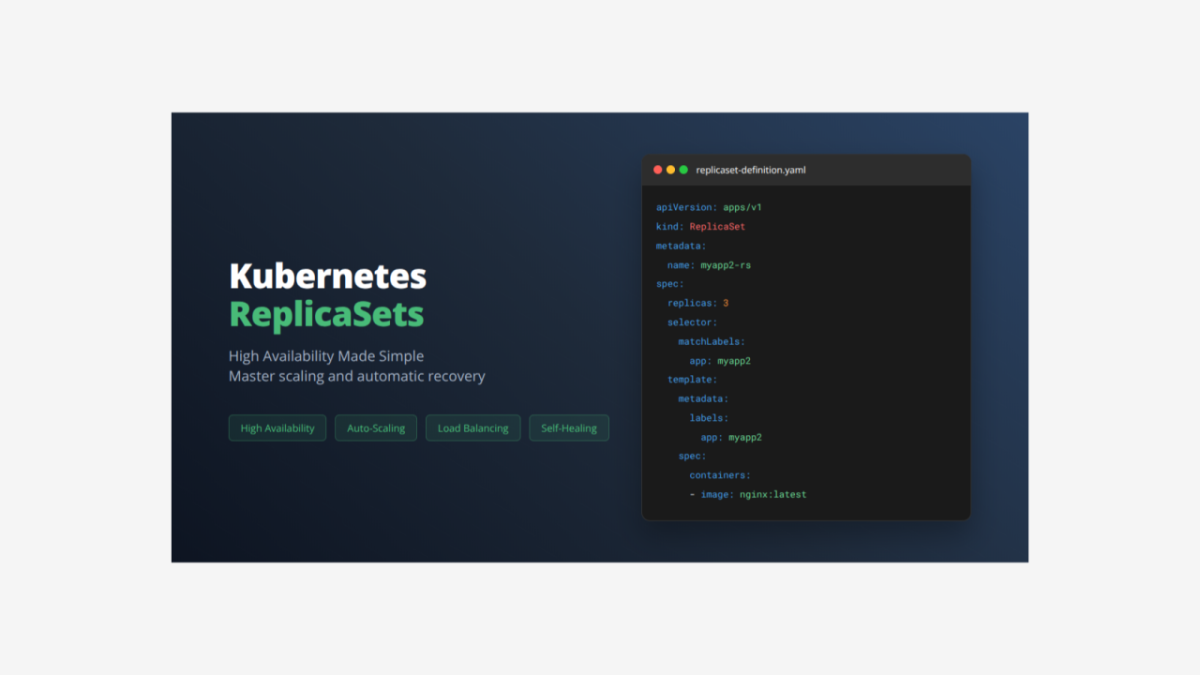
Today I want to share what I learned about Kubernetes ReplicaSets and how they help keep applications running reliably.
What is a ReplicaSet?
A ReplicaSet is a Kubernetes controller that ensures a specific number of Pod copies are always running. Think of it like a manager that watches your application and automatically creates new Pods if any crash or get deleted. While a Pod runs one instance of your app, a ReplicaSet runs multiple identical copies for high availability.
Complete ReplicaSet Application YAML File
Here is the complete file that creates both a ReplicaSet and Service together:
# ReplicaSet Definition
apiVersion: apps/v1
kind: ReplicaSet
metadata:
  name: myapp2-rs
spec:
  replicas: 3
  selector:
    matchLabels:
      app: myapp2
  template:
    metadata:
      name: myapp2-pod
      labels:
        app: myapp2
    spec:
      containers:
      - name: myapp2-container
        image: nginx
        ports:
        - containerPort: 80

---

# Service Definition
apiVersion: v1
kind: Service
metadata:
  name: replicaset-nodeport-service
spec:
  type: NodePort
  selector:
    app: myapp2
  ports:
  - name: http
    port: 80
    targetPort: 80
    nodePort: 31232
Breaking Down the Complete File
The ReplicaSet Section – Detailed Explanation:
apiVersion: apps/v1        # Uses apps API group for ReplicaSets
kind: ReplicaSet          # Creates a ReplicaSet controller
metadata:
  name: myapp2-rs         # Name of the ReplicaSet
spec:
  replicas: 3             # Always keep 3 Pods running
  selector:               # How ReplicaSet finds its Pods
    matchLabels:
      app: myapp2         # Manages Pods with this label
  template:               # Template for creating new Pods
    metadata:
      name: myapp2-pod    # Name pattern for Pods
      labels:
        app: myapp2       # Label applied to each Pod
    spec:                 # Pod specification
      containers:
      - name: myapp2-container     # Container name
        image: nginx  # Docker image
        ports:
        - containerPort: 80        # Port the container listens on
What each part does:
- replicas: 3 – Always maintains exactly 3 running Pods
- selector.matchLabels – Finds and manages Pods with label “app: myapp2”
- template – Blueprint for creating new Pods when needed
- apiVersion: apps/v1 – Uses the stable apps API for controllers
- image: kubenginx:2.0.0 – Updated version compared to basic Pod example
The Service Section – Detailed Explanation:
apiVersion: v1                        # Uses core API for Services
kind: Service                         # Creates a Service resource
metadata:
  name: replicaset-nodeport-service   # Service name for reference
spec:
  type: NodePort                      # Makes service accessible externally
  selector:
    app: myapp2                       # Connects to Pods with this label
  ports:
  - name: http                        # Name for this port mapping
    port: 80                          # Port inside the cluster
    targetPort: 80                    # Port on the Pod containers
    nodePort: 31232                   # External port on nodes
Key differences from Pod Service:
- selector: app: myapp2 – Connects to all Pods managed by ReplicaSet
- nodePort: 31232 – Different external port to avoid conflicts
- Connects to multiple Pods – Service automatically load balances between all 3 Pods
How They Work Together: The ReplicaSet ensures 3 Pods are always running, while the Service distributes incoming traffic among them:
- User accesses http://NODE_IP:31232
- Service receives traffic on nodePort 31232
- Service looks for Pods with label “app: myapp2”
- Service finds all 3 Pods managed by ReplicaSet
- Service forwards traffic to one of the healthy Pods
- If a Pod crashes, ReplicaSet creates a new one automatically
Why ReplicaSets Matter:
- High Availability – App keeps running even if Pods crash
- Load Distribution – Traffic spreads across multiple Pod instances
- Automatic Recovery – New Pods created when failures happen
- Scalability – Easy to increase or decrease Pod count
How to Deploy and Manage This Application
Step 1: Deploy the Application
kubectl apply -f replicaset-complete.yamlStep 2: Check ReplicaSet Status
kubectl get replicasets
kubectl get rs myapp2-rs
Step 3: See Detailed ReplicaSet Information
kubectl describe replicaset myapp2-rsStep 4: Check All Pods Created by ReplicaSet
kubectl get pods
kubectl get pods -l app=myapp2
Step 5: Check the Service
kubectl get services
kubectl describe service replicaset-nodeport-service
Step 6: Test High Availability – Delete a Pod
# Delete one Pod and watch ReplicaSet create a new one
kubectl delete pod [POD_NAME]
kubectl get pods -l app=myapp2 --watch
Step 7: Scale the ReplicaSet
# Scale up to 5 Pods
kubectl scale replicaset myapp2-rs --replicas=5

# Scale down to 2 Pods
kubectl scale replicaset myapp2-rs --replicas=2
Step 8: Access Your Application
# Get node IP
kubectl get nodes -o wide

# Access your app at: http://NODE_IP:31232
# Traffic will be distributed among all running Pods
Step 9: Monitor ReplicaSet Events
kubectl get events --field-selector involvedObject.name=myapp2-rsStep 10: Clean Up Resources
kubectl delete -f replicaset-complete.yaml
# Or delete individually:
# kubectl delete replicaset myapp2-rs
# kubectl delete service replicaset-nodeport-service
Understanding ReplicaSets is crucial for junior DevOps engineers because:
- They provide the foundation for application reliability
- Most production applications need multiple instances
- They show how Kubernetes handles failures automatically
- They demonstrate key concepts like controllers and selectors
- They prepare you for understanding Deployments (which use ReplicaSets)