$ cat understanding-kubernetes/part-04.md
Understanding Kubernetes Services – Building Multi-Tier Applications
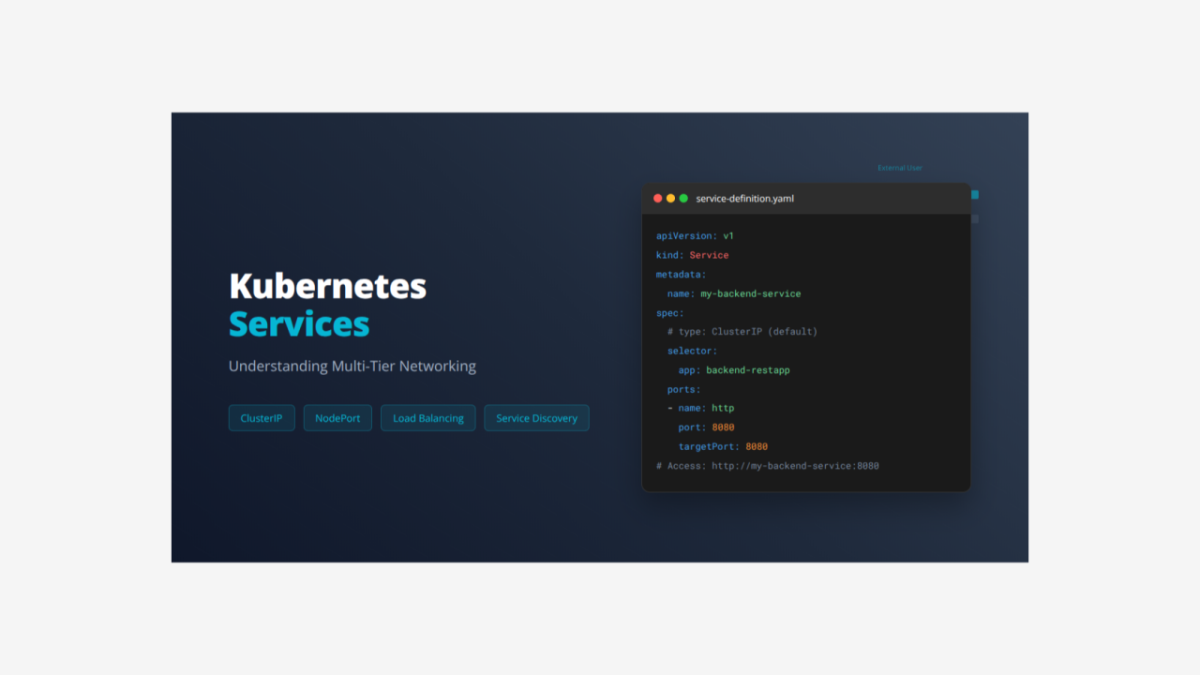
Today I want to share what I learned about Kubernetes Services and how they solve networking challenges in containerized applications.
What is a Service?
A Service is a Kubernetes abstraction that provides stable networking and load balancing for Pods. Think of it as a permanent address and phone number for your application. While Pods come and go with changing IP addresses, Services give you a fixed way to reach them. Services solve the critical problem of how frontend applications can reliably find and communicate with backend applications.
Complete Multi-Tier Application YAML File
Here is the complete file that creates a two-tier application with both ClusterIP and NodePort Services:
# Backend Deployment
apiVersion: apps/v1
kind: Deployment
metadata:
  name: backend-restapp
  labels:
    app: backend-restapp
    tier: backend
spec:
  replicas: 3
  selector:
    matchLabels:
      app: backend-restapp
  template:
    metadata:
      labels:
        app: backend-restapp
        tier: backend
    spec:
      containers:
      - name: backend-restapp
        image: backendapp
        ports:
        - containerPort: 8080

---

# Backend ClusterIP Service
apiVersion: v1
kind: Service
metadata:
  name: my-backend-service
  labels:
    app: backend-restapp
    tier: backend
spec:
  # type: ClusterIP is default (internal only)
  selector:
    app: backend-restapp
  ports:
  - name: http
    port: 8080
    targetPort: 8080

---

# Frontend Deployment
apiVersion: apps/v1
kind: Deployment
metadata:
  name: frontend-nginxapp
  labels:
    app: frontend-nginxapp
    tier: frontend
spec:
  replicas: 3
  selector:
    matchLabels:
      app: frontend-nginxapp
  template:
    metadata:
      labels:
        app: frontend-nginxapp
        tier: frontend
    spec:
      containers:
      - name: frontend-nginxapp
        image: sfrontendapp
        ports:
        - containerPort: 80

---

# Frontend NodePort Service
apiVersion: v1
kind: Service
metadata:
  name: frontend-nginxapp-nodeport-service
  labels:
    app: frontend-nginxapp
    tier: frontend
spec:
  type: NodePort
  selector:
    app: frontend-nginxapp
  ports:
  - name: http
    port: 80
    targetPort: 80
    nodePort: 31234
Breaking Down the Complete File
The Backend Deployment Section:
apiVersion: apps/v1              # Uses apps API for Deployments
kind: Deployment                # Creates a Deployment controller
metadata:
  name: backend-restapp         # Backend application name
  labels:
    app: backend-restapp        # Application identifier
    tier: backend              # Tier classification
spec:
  replicas: 3                  # Run 3 backend instances
  selector:
    matchLabels:
      app: backend-restapp     # Manages Pods with this label
  template:
    metadata:
      labels:
        app: backend-restapp   # Pod labels for Service discovery
        tier: backend         # Tier information
    spec:
      containers:
      - name: backend-restapp          # Container name
        image: backendapp  # REST API image
        ports:
        - containerPort: 8080          # Backend listens on port 8080
The Backend ClusterIP Service Section:
apiVersion: v1                    # Core Kubernetes API
kind: Service                     # Creates a Service resource
metadata:
  name: my-backend-service        # Service name (becomes DNS name)
  labels:
    app: backend-restapp          # Service labels
    tier: backend                 # Tier classification
spec:
  # type: ClusterIP (default)     # Internal access only
  selector:
    app: backend-restapp          # Routes to Pods with this label
  ports:
  - name: http                    # Port name
    port: 8080                    # Service port (what clients use)
    targetPort: 8080              # Container port (where traffic goes)
What ClusterIP Service does:
- Internal Only – Accessible only within the Kubernetes cluster
- Stable IP – Gets a permanent cluster-internal IP address
- DNS Name – Accessible via service name my-backend-service
- Load Balancing – Distributes traffic across all 3 backend Pods
- Security – Not exposed to external networks
The Frontend Deployment Section:
apiVersion: apps/v1              # Uses apps API for Deployments
kind: Deployment                # Creates a Deployment controller
metadata:
  name: frontend-nginxapp       # Frontend application name
  labels:
    app: frontend-nginxapp      # Application identifier
    tier: frontend             # Tier classification
spec:
  replicas: 3                  # Run 3 frontend instances
  selector:
    matchLabels:
      app: frontend-nginxapp   # Manages Pods with this label
  template:
    metadata:
      labels:
        app: frontend-nginxapp # Pod labels for Service discovery
        tier: frontend        # Tier information
    spec:
      containers:
      - name: frontend-nginxapp        # Container name
        image: frontendapp  # Nginx frontend
        ports:
        - containerPort: 80            # Frontend listens on port 80
The Frontend NodePort Service Section:
apiVersion: v1                              # Core Kubernetes API
kind: Service                               # Creates a Service resource
metadata:
  name: frontend-nginxapp-nodeport-service  # Service name
  labels:
    app: frontend-nginxapp                  # Service labels
    tier: frontend                          # Tier classification
spec:
  type: NodePort                            # External access type
  selector:
    app: frontend-nginxapp                  # Routes to frontend Pods
  ports:
  - name: http                              # Port name
    port: 80                                # Service port (internal)
    targetPort: 80                          # Container port
    nodePort: 31234                         # External port on nodes
What NodePort Service does:
- External Access – Accessible from outside the cluster
- Port on Every Node – Opens port 31234 on all cluster nodes
- Also ClusterIP – Gets internal IP for cluster communication
- Load Balancing – Distributes traffic across all 3 frontend Pods
- User Access – External users can reach the application
How the Multi-Tier Application Works:
- External User accesses http://NODE_IP:31234
- NodePort Service receives traffic and load balances to frontend Pods
- Frontend Pod serves the web page and makes API calls to backend
- Frontend calls backend using DNS name: http://my-backend-service:8080
- ClusterIP Service receives internal requests and routes to backend Pods
- Backend Pod processes API request and returns data
- Response flows back through Services to user
Why This Architecture Matters:
- Separation of Concerns – Frontend handles UI, backend handles logic
- Internal Security – Backend not exposed externally
- Scalability – Each tier can scale independently
- Service Discovery – Frontend finds backend using DNS name
- Load Distribution – Traffic spreads across multiple Pod instances
How to Deploy and Manage This Application
Step 1: Deploy the Complete Application
kubectl apply -f multi-tier-app.yamlStep 2: Check All Deployments
kubectl get deployments
kubectl get deploy -l tier=backend
kubectl get deploy -l tier=frontend
Step 3: Check All Services
kubectl get services
kubectl get svc -l tier=backend
kubectl get svc -l tier=frontend
Step 4: Verify Backend Service and Endpoints
# Check backend service details
kubectl describe service my-backend-service

# Check backend endpoints (should show 3 Pod IPs)
kubectl get endpoints my-backend-service
Step 5: Verify Frontend Service and Endpoints
# Check frontend service details
kubectl describe service frontend-nginxapp-nodeport-service

# Check frontend endpoints
kubectl get endpoints frontend-nginxapp-nodeport-service
Step 6: Test Backend Service Internally
# Create test Pod to check backend
kubectl run test-backend --image=busybox --rm -it --restart=Never -- sh

# Inside test Pod:
wget -qO- http://my-backend-service:8080
exit

# Or use one-liner
kubectl run test --image=busybox --rm -it --restart=Never \
  -- wget -qO- http://my-backend-service:8080
Step 7: Access Frontend Application Externally
# Get node IP
kubectl get nodes -o wide

# Access application at: http://NODE_IP:31234
# For Docker Desktop: http://localhost:31234
# For minikube: minikube service frontend-nginxapp-nodeport-service
Step 8: Test Service Discovery
# Test DNS resolution
kubectl run dnstest --image=busybox --rm -it --restart=Never \
  -- nslookup my-backend-service

# Should return the ClusterIP of backend service
Step 9: Test Load Balancing
# Make multiple requests to see different Pods responding
for i in {1..10}; do
  curl http://localhost:31234
  echo "Request $i completed"
  sleep 1
done
Step 10: Monitor Pod Logs
# Watch backend Pod logs
kubectl logs -f -l app=backend-restapp

# Watch frontend Pod logs
kubectl logs -f -l app=frontend-nginxapp

# You'll see requests being distributed across different Pods
Step 11: Test Service Self-Healing
# Delete a backend Pod
kubectl delete pod -l app=backend-restapp | head -1

# Check endpoints - Pod IP removed and new one added
kubectl get endpoints my-backend-service

# Service continues working while Pod is replaced
Step 12: Scale Services
# Scale backend up
kubectl scale deployment backend-restapp --replicas=5

# Watch endpoints update
kubectl get endpoints my-backend-service

# Scale frontend down
kubectl scale deployment frontend-nginxapp --replicas=2

# Services automatically adapt to new Pod counts
Step 13: View Service Types
# Compare service types
kubectl get services -o wide

# ClusterIP: only cluster-internal IP
# NodePort: gets both cluster IP and node port
Step 14: Test Inter-Service Communication
# Get into frontend Pod
kubectl exec -it <frontend-pod-name> -- /bin/sh

# Test calling backend from frontend
curl http://my-backend-service:8080

# This is how frontend communicates with backend
exit
Step 15: Clean Up Resources
kubectl delete -f multi-tier-app.yaml

# Or delete individually:
# kubectl delete deployment backend-restapp frontend-nginxapp
# kubectl delete service my-backend-service frontend-nginxapp-nodeport-service
Understanding Services is essential for junior DevOps engineers because:
- Real Applications are almost always multi-tier (frontend, backend, database)
- Service Discovery is how microservices find and communicate with each other
- Load Balancing ensures applications can handle traffic and failures