$ cat home-lab/part-07.md
Part 07 – CI/CD Pipeline: Jenkins, Registry and Jenkinsfile
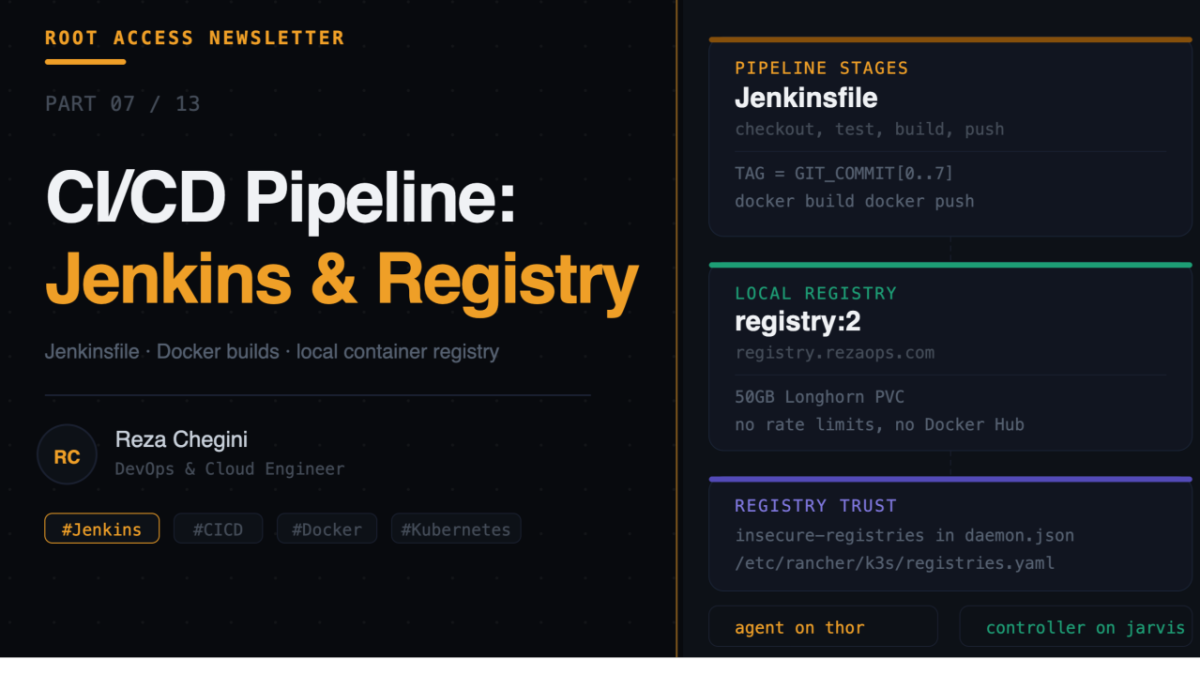
Overview
In Part 6 we got full observability across the cluster. In this article I build the CI/CD pipeline that takes code from a developer’s machine all the way to a running pod in Kubernetes.
The stack:
- Jenkins, runs pipelines and builds Docker images
- Local container registry, stores built images inside the home lab
- Jenkinsfile, the pipeline definition that connects everything
By the end of this article, pushing code to GitHub automatically triggers a build, pushes an image to the local registry, and prepares it for deployment via ArgoCD.
CI/CD Flow
Developer pushes code to GitHub
        |
        | webhook triggers
        v
Jenkins (on jarvis)
  pulls code from GitHub
  runs tests
  builds Docker image
  tags image with git commit SHA
  pushes to local registry
        |
        | image available at:
        | registry.rezaops.com/myapp:abc1234
        v
ArgoCD detects image tag change
  deploys new pod on thor
Role: cicd
Full tasks/main.yml
- name: Add Jenkins Helm repo
  shell: |
    helm repo add jenkins https://charts.jenkins.io
    helm repo update
  environment:
    KUBECONFIG: /etc/rancher/k3s/k3s.yaml
Adds the official Jenkins Helm chart repository. helm repo update ensures we get the latest chart version, which matters because Jenkins chart APIs change between versions. The adminPassword to admin.password rename we hit in Part 12 is a good example of this.
- name: Create cicd namespace
  shell: |
    kubectl create namespace cicd \
      --dry-run=client -o yaml | kubectl apply -f -
  environment:
    KUBECONFIG: /etc/rancher/k3s/k3s.yaml
Separate namespace for all CI/CD tools. Keeps them isolated from monitoring and app namespaces.
Installing Jenkins
- name: Install Jenkins
  shell: |
    helm upgrade --install jenkins jenkins/jenkins \
      --namespace cicd \
      --set controller.serviceType=LoadBalancer \
      --set controller.admin.password={{ jenkins_admin_password }} \
      --set controller.nodeSelector."workload"=monitoring \
      --set agent.nodeSelector."workload"=apps \
      --set persistence.storageClass=longhorn \
      --set persistence.size=20Gi
  environment:
    KUBECONFIG: /etc/rancher/k3s/k3s.yaml
Helm values explained:
- controller.serviceType, LoadBalancer, Jenkins UI gets a real IP from MetalLB
- controller.admin.password, homelab123, admin login password
- controller.nodeSelector.”workload”=monitoring, Jenkins controller runs on jarvis
- agent.nodeSelector.”workload”=apps, Jenkins build agents run on thor
- persistence.storageClass, longhorn, Jenkins data stored in a replicated Longhorn volume
- persistence.size, 20Gi, 20GB for Jenkins home directory
Why controller on jarvis, agents on thor? Jenkins has two components. The controller is the main Jenkins server that manages jobs, stores config, and serves the UI. It is lightweight in terms of CPU but needs stable storage. The agents are the workers that actually run pipeline steps including build, test, and push. They are CPU-intensive during builds.
Separating them means heavy build workloads run on thor without competing with the Jenkins UI and other monitoring tools on jarvis.
Why Longhorn for persistence? Jenkins stores job history, build logs, plugin data, and credentials in /var/jenkins_home. Without persistent storage this is lost every time the pod restarts. With Longhorn it is replicated across both nodes.
- name: Wait for Jenkins to be ready
  shell: |
    kubectl wait --namespace cicd \
      --for=condition=ready pod \
      --selector=app.kubernetes.io/name=jenkins \
      --timeout=180s
  environment:
    KUBECONFIG: /etc/rancher/k3s/k3s.yaml
  retries: 3
  delay: 30
Jenkins takes longer to initialize than most pods because it downloads plugins on first start. timeout=180s with retries: 3 gives it up to 9 minutes total.
Local Container Registry
- name: Deploy local container registry
  shell: |
    cat <<EOF | kubectl apply -f -
    apiVersion: apps/v1
    kind: Deployment
    metadata:
      name: registry
      namespace: registry
    spec:
      replicas: 1
      selector:
        matchLabels:
          app: registry
      template:
        metadata:
          labels:
            app: registry
        spec:
          nodeSelector:
            workload: monitoring
          containers:
          - name: registry
            image: registry:2
            ports:
            - containerPort: 5000
            env:
            - name: REGISTRY_STORAGE_DELETE_ENABLED
              value: "true"
            volumeMounts:
            - name: registry-data
              mountPath: /var/lib/registry
          volumes:
          - name: registry-data
            persistentVolumeClaim:
              claimName: registry-pvc
    ---
    apiVersion: v1
    kind: PersistentVolumeClaim
    metadata:
      name: registry-pvc
      namespace: registry
    spec:
      accessModes: [ReadWriteOnce]
      storageClassName: longhorn
      resources:
        requests:
          storage: 50Gi
    ---
    apiVersion: v1
    kind: Service
    metadata:
      name: registry
      namespace: registry
    spec:
      type: LoadBalancer
      selector:
        app: registry
      ports:
      - port: 5000
        targetPort: 5000
    EOF
  environment:
    KUBECONFIG: /etc/rancher/k3s/k3s.yaml
Three Kubernetes resources in one apply, Deployment, PVC, and Service.
REGISTRY_STORAGE_DELETE_ENABLED=true enables image deletion. By default the registry does not allow deleting images. This is useful for cleaning up old images when disk space fills up.
The registry stores all image layers at /var/lib/registry inside the container. Mounting a 50GB Longhorn PVC here means images persist across pod restarts and are replicated across both nodes.
The registry Service is type LoadBalancer so MetalLB assigns it a real IP. Always verify the actual assigned IP:
kubectl get svc -n registry
# use whatever EXTERNAL-IP shows
In our setup MetalLB assigned 10.0.0.206, not 10.0.0.200 as I expected. MetalLB assigns IPs sequentially so you can never assume which IP a service gets.
Configuring K3s to Trust the Registry
- name: Create K3s registries config
  copy:
    dest: /etc/rancher/k3s/registries.yaml
    content: |
      mirrors:
        "registry.{{ base_domain }}":
          endpoint:
            - "http://registry.{{ base_domain }}"
        "{{ registry_ip }}:{{ registry_port }}":
          endpoint:
            - "http://{{ registry_ip }}:{{ registry_port }}"
By default K3s’s containerd runtime only trusts HTTPS registries. Since our registry uses HTTP, we need to explicitly tell containerd to trust it. registries.yaml maps the registry hostname to its actual endpoint and tells containerd to use HTTP.
Without this file, when Kubernetes tries to pull an image from registry.rezaops.com, containerd rejects it with:
Failed to pull image: http: server gave HTTP response to HTTPS clientThe Jenkinsfile Pipeline
pipeline {
  agent { label 'k3s-worker' }

  environment {
    REGISTRY  = 'registry.rezaops.com'
    APP_NAME  = 'myapp'
    IMAGE     = "${REGISTRY}/${APP_NAME}"
    TAG       = "${GIT_COMMIT[0..7]}"
  }

  stages {

    stage('Checkout') {
      steps {
        checkout scm
        echo "Building commit: ${TAG}"
      }
    }

    stage('Test') {
      steps {
        sh '''
          pip install -r requirements.txt
          python manage.py test
        '''
      }
    }

    stage('Build') {
      steps {
        sh "docker build -t ${IMAGE}:${TAG} ."
        sh "docker tag  ${IMAGE}:${TAG} ${IMAGE}:latest"
      }
    }

    stage('Push') {
      steps {
        sh "docker push ${IMAGE}:${TAG}"
        sh "docker push ${IMAGE}:latest"
      }
    }

    stage('Update Manifest') {
      steps {
        sh """
          git clone https://github.com/mohammadrezachegini/homelab-gitops.git
          cd homelab-gitops
          sed -i 's|image: ${IMAGE}:.*|image: ${IMAGE}:${TAG}|' \
            apps/overlays/prod/deployment.yaml
          git config user.email "ci@rezaops.com"
          git config user.name "Jenkins"
          git add .
          git commit -m "ci: update ${APP_NAME} to ${TAG} [skip ci]"
          git push
        """
      }
    }
  }

  post {
    always { cleanWs() }
    success { echo "Build ${TAG} pushed to ${IMAGE}" }
    failure { echo "Build failed" }
  }
}
Pipeline stages explained:
agent, label k3s-worker routes the pipeline to run on thor, keeping heavy build workloads off the control plane.
TAG = GIT_COMMIT[0..7] uses the first 8 characters of the git commit SHA as the image tag. Every build produces a unique traceable image. You can always trace a running pod back to the exact code that built it.
The Build stage uses Docker layer caching. COPY requirements.txt comes before COPY . . in the Dockerfile so if only code changes and not dependencies, Docker reuses the cached pip install layer. Builds go from 3 minutes to 10 seconds.
The Update Manifest stage is the GitOps bridge. Instead of Jenkins deploying directly to Kubernetes, it updates the deployment manifest in the GitOps repository. ArgoCD watches that repository and applies the change automatically.
[skip ci] in the commit message prevents GitHub from triggering Jenkins again for this commit. Without it you get an infinite loop.
cleanWs() in the post block deletes all build files from the workspace. Prevents disk from filling up with old build artifacts over time.
Verifying Jenkins is Working
Get Jenkins URL:
kubectl get svc -n cicd jenkinsAccess Jenkins at http://jenkins.rezaops.com and login with admin and your password.
Check the Longhorn volume is bound:
kubectl get pvc -n cicd
NAME      STATUS   VOLUME      CAPACITY   STORAGECLASS
jenkins   Bound    pvc-xxxxx   20Gi       longhorn
Test the registry:
docker tag nginx:alpine registry.rezaops.com/nginx:alpine
docker push registry.rezaops.com/nginx:alpine
curl http://registry.rezaops.com/v2/_catalog
# {"repositories":["nginx"]}What’s Next
In Part 8 I will cover the GitOps stack, ArgoCD, Vault, and External Secrets Operator. I will explain how ArgoCD watches a GitHub repository and automatically keeps the cluster in sync, and how Vault stores secrets that get injected into pods at runtime.