$ cat home-lab/part-11.md
Part 11 – 15 Real Errors I Hit Building This Home Lab
Overview
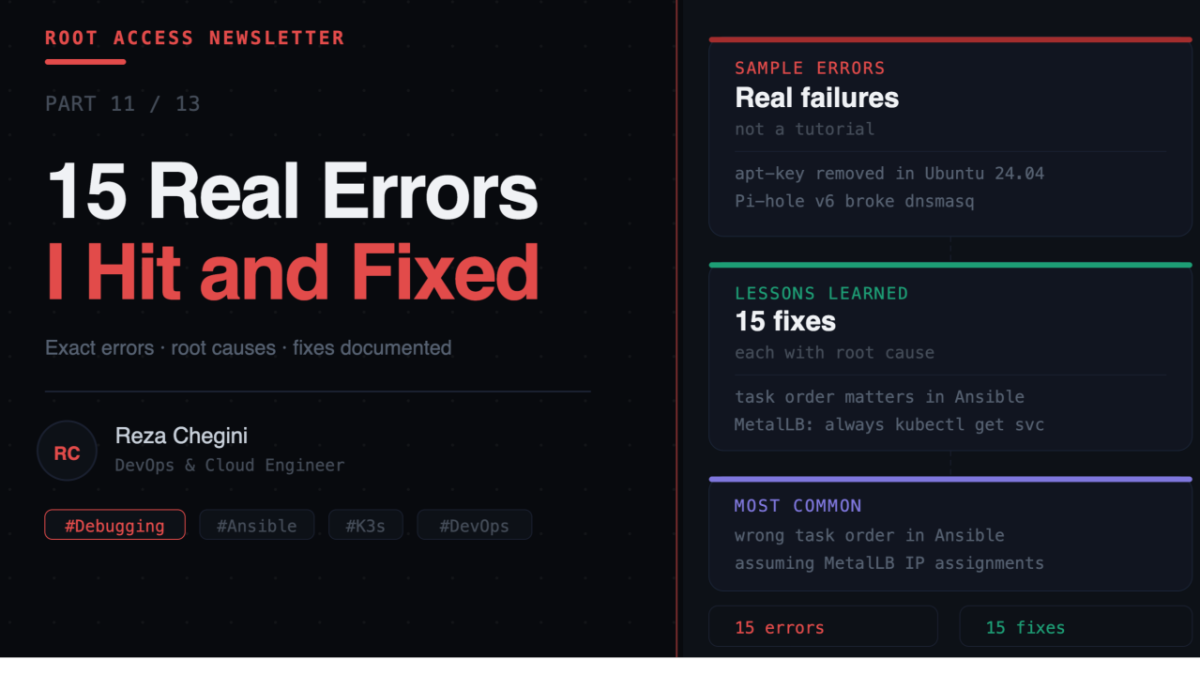
This is the most honest article in the series. Every tutorial makes things look easy. You follow the steps, it works, done. Reality is messier.
Building this home lab I hit 15 distinct errors. Some took minutes to fix. Some took hours. All of them taught me something I would not have learned from reading documentation.
I am documenting every one with the exact error message, what caused it, and exactly how I fixed it.
Error 1 – Ansible Role Not Found
Error:
[ERROR]: the role 'common' was not found in .../playbooks/rolesCause: Ansible looked for roles relative to the playbook file location (playbooks/) instead of the project root. It looked in playbooks/roles/ which does not exist.
Fix: Create ansible.cfg at the project root:
[defaults]
roles_path        = roles
inventory         = inventory/hosts.ini
remote_user       = reza
host_key_checking = False
Lesson: Always create ansible.cfg. Do not rely on Ansible’s default path behavior.
Error 2 – Sudo Requires Interactive Authentication
Error:
sudo: interactive authentication is requiredCause: Ubuntu’s default sudoers configuration requires a password for sudo. Ansible cannot handle interactive prompts.
Fix: SSH into each server and run:
echo "reza ALL=(ALL) NOPASSWD:ALL" | sudo tee /etc/sudoers.d/rezaLesson: Set up passwordless sudo before running any Ansible playbooks on a fresh Ubuntu install.
Error 3 – Variables Undefined
Error:
'node_name' is undefined
'timezone' is undefined
Cause: Ansible loads group_vars/ and host_vars/ relative to the inventory file location. When the inventory is at inventory/hosts.ini but Ansible is looking relative to the playbook at playbooks/, it cannot find the vars directories.
Fix: Move all variables directly into [all:vars] inside inventory/hosts.ini as simple key=value pairs:
[control_plane]
jarvis ansible_host=10.0.0.148 node_name=jarvis node_role=control-plane

[all:vars]
timezone=America/Vancouver
lab_user=reza
Lesson: For simple Ansible projects, put everything in [all:vars]. Do not rely on group_vars/ and host_vars/ with .ini inventories.
Error 4 – apt-key Removed in Ubuntu 24.04
Error:
Failed to find required executable "apt-key"Cause: Ubuntu 24.04 removed apt-key entirely. It was deprecated in 22.04 and removed completely in 24.04.
Fix: Use the modern GPG keyring method:
curl -fsSL https://download.docker.com/linux/ubuntu/gpg \
  | gpg --dearmor -o /etc/apt/keyrings/docker.gpg
chmod a+r /etc/apt/keyrings/docker.gpg
Repo line:
deb [arch=amd64 signed-by=/etc/apt/keyrings/docker.gpg] https://download.docker.com/linux/ubuntu jammy stableLesson: Always check for Ubuntu version-specific breaking changes before assuming a tutorial will work on Ubuntu 24.04.
Error 5 – .kube Directory Does Not Exist
Error:
Destination directory /home/reza/.kube does not existCause: Ansible tried to copy the kubeconfig file before creating the directory. Wrong task order.
Fix: Create the directory first, then copy:
- name: Create .kube dir
  file:
    path: /home/{{ lab_user }}/.kube
    state: directory

- name: Copy kubeconfig
  copy:
    src: /etc/rancher/k3s/k3s.yaml
    dest: /home/{{ lab_user }}/.kube/config
    remote_src: yes
Lesson: Always create parent directories before writing files. Task order is execution order in Ansible.
Error 6 – Loki Requires Object Storage Backend
Error:
Cannot run scalable targets without an object storage backendCause: The Loki Helm chart changed its default deployment mode. Newer versions default to distributed/scalable mode which requires S3 or GCS.
Fix: Force single binary mode:
helm install loki grafana/loki \
  --set deploymentMode=SingleBinary \
  --set loki.auth_enabled=false \
  --set loki.storage.type=filesystem \
  --set singleBinary.replicas=1 \
  --set read.replicas=0 \
  --set write.replicas=0 \
  --set backend.replicas=0 \
  --set loki.useTestSchema=true
Lesson: Helm chart defaults change between versions. Always pin chart versions with –version x.y.z.
Error 7 – Loki Requires Schema Config
Error:
You must provide a schema_config for LokiCause: Loki v3.x requires explicit schema configuration. Older versions had built-in defaults.
Fix: Add –set loki.useTestSchema=true. The error message told us exactly what to do.
Lesson: Read error messages fully before searching for solutions. The fix was in the error itself.
Error 8 – Jenkins adminPassword Renamed
Error:
controller.adminPassword no longer exists.
It has been renamed to controller.admin.password
Cause: The Jenkins Helm chart renamed this parameter in a recent version.
Fix:
# Old (broken)
--set controller.adminPassword=homelab123

# New (correct)
--set controller.admin.password=homelab123
Lesson: Helm chart parameter names change between versions. Read the error message fully, it usually tells you the new name.
Error 9 – Route 53 Private Hosted Zone Requires VPC
Error:
When creating a private hosted zone you must specify VPCId and VPCRegionCause: Route 53 private hosted zones must be associated with an AWS VPC. Home lab servers are not in AWS.
Fix: Use a public hosted zone instead. Records point to private IPs (10.0.0.x) which are unreachable from outside the home network:
aws route53 create-hosted-zone \
  --name rezaops.com \
  --hosted-zone-config Comment="Homelab DNS"
  # removed: PrivateZone=true
Lesson: AWS private hosted zones are for VPC-internal DNS only. Not usable for bare metal home labs.
Error 10 – Ansible Loop Cannot Parse List from .ini Inventory
Error:
The loop value must resolve to a 'list', not 'str'Cause: .ini format inventory files read every value as a plain string. JSON embedded in a string is still a string. Ansible cannot loop over it.
Fix: Avoid loops. Use a single AWS CLI batch call instead:
aws route53 change-resource-record-sets \
  --change-batch '{"Changes":[
    {"Action":"UPSERT","ResourceRecordSet":{"Name":"grafana.rezaops.com",...}},
    {"Action":"UPSERT","ResourceRecordSet":{"Name":"jenkins.rezaops.com",...}}
  ]}'
Lesson: .ini inventory files only support simple string values. Use YAML inventory format if you need lists or dicts.
Error 11 – Pi-hole v6 Completely Broken for Custom DNS
What happened: Pi-hole v6 replaced dnsmasq with its own FTL DNS engine. As a result:
- /etc/dnsmasq.d/ config files are ignored
- pihole restartdns returns: local: FTL_PID_FILE: readonly variable
- pihole reloaddns partially broken
Fix: Replace Pi-hole entirely with CoreDNS running as a K8s pod:
rezaops.com {
    hosts {
        10.0.0.200 grafana.rezaops.com
        10.0.0.200 jenkins.rezaops.com
        fallthrough
    }
}
. {
    forward . 1.1.1.1 8.8.8.8
    cache 30
}
Lesson: Pi-hole v6 was a major breaking release. CoreDNS is a better fit for a Kubernetes-based home lab anyway.
Error 12 – MetalLB Cannot Assign IP to Mixed TCP/UDP Service
What happened: Deployed CoreDNS with a single Service handling both TCP and UDP on port 53. The service stayed pending forever.
Fix: Split into two services with the same allow-shared-ip annotation:
# Both services get the same IP
metadata:
  annotations:
    metallb.universe.tf/allow-shared-ip: "coredns-dns"
One service for TCP port 53, one for UDP port 53. MetalLB assigns the same IP to both.
Lesson: MetalLB cannot handle mixed-protocol services in L2 mode. When a LoadBalancer service stays pending, check MetalLB logs.
Error 13 – Homepage ConfigMap Not Found
Error:
MountVolume.SetUp failed: configmap "homepage-html" not foundCause: Ansible tried to create the ConfigMap before copying the HTML file to the remote server. Wrong task order.
Fix: Copy the file first, then create the ConfigMap:
- name: Copy HTML to remote    # first
  copy:
    src: index.html
    dest: /tmp/homepage-index.html

- name: Create ConfigMap       # second
  shell: kubectl create configmap homepage-html --from-file=index.html=/tmp/homepage-index.html ...
Lesson: Same root cause as Error 5. Task order matters in Ansible. Dependencies must exist before the tasks that use them.
Error 14 – K3s Registries Directory Missing on Worker
Error:
Destination directory /etc/rancher/k3s does not exist (on thor)Cause: K3s agent does not create /etc/rancher/k3s/ automatically on worker nodes. Only the server does.
Fix: Create the directory before writing the file:
- name: Create K3s config directory
  file:
    path: /etc/rancher/k3s
    state: directory
    mode: '0755'

- name: Write registries.yaml
  copy:
    dest: /etc/rancher/k3s/registries.yaml
    ...
Lesson: Never assume a directory exists on a remote machine. Always use file: state: directory before writing files.
Error 15 – Registry IP Mismatch
What happened: Tried to push an image to 10.0.0.200:5000 and got connection timeout.
Cause: MetalLB assigned the registry service a different IP than expected. I assumed it would get 10.0.0.200 but it got 10.0.0.206. MetalLB assigns IPs sequentially based on the order services are created.
Fix: Always check the actual assigned IP before using:
kubectl get svc -n registry
# Check EXTERNAL-IP column, use that value
Update inventory:
registry_ip=10.0.0.206Lesson: Never assume which IP MetalLB assigns. Always kubectl get svc to confirm.
Summary
- Error 1, Ansible role not found, missing ansible.cfg
- Error 2, Sudo requires password, no NOPASSWD in sudoers
- Error 3, Variables undefined, group_vars not loading in .ini inventory
- Error 4, apt-key removed, Ubuntu 24.04 breaking change
- Error 5, .kube dir missing, wrong task order
- Error 6, Loki needs object storage, Helm chart default changed
- Error 7, Loki needs schema config, Loki v3 requirement
- Error 8, Jenkins param renamed, Helm chart breaking change
- Error 9, Route 53 needs VPC, private zones are AWS-only
- Error 10, Ansible loop cannot parse list, .ini reads everything as string
- Error 11, Pi-hole v6 broken, replaced with CoreDNS
- Error 12, MetalLB mixed protocol, split TCP and UDP into separate services
- Error 13, ConfigMap not found, wrong task order again
- Error 14, K3s dir missing on worker, directory not created by agent
- Error 15, Registry IP mismatch, MetalLB assigns sequentially