$ cat home-lab/part-12.md
Part 12 – Building a Django REST API on Kubernetes (And the 11 Bugs That Tried to Stop Me)
Overview
Parts 1 through 11 built the infrastructure. K3s cluster, Longhorn storage, monitoring, GitOps, DNS, CI/CD foundations. All of it existed to run something real.
In this article I deploy an actual application on top of that infrastructure – a Django REST API with three models, a PostgreSQL database on Longhorn, and a Jenkins pipeline that deploys automatically on every git push.
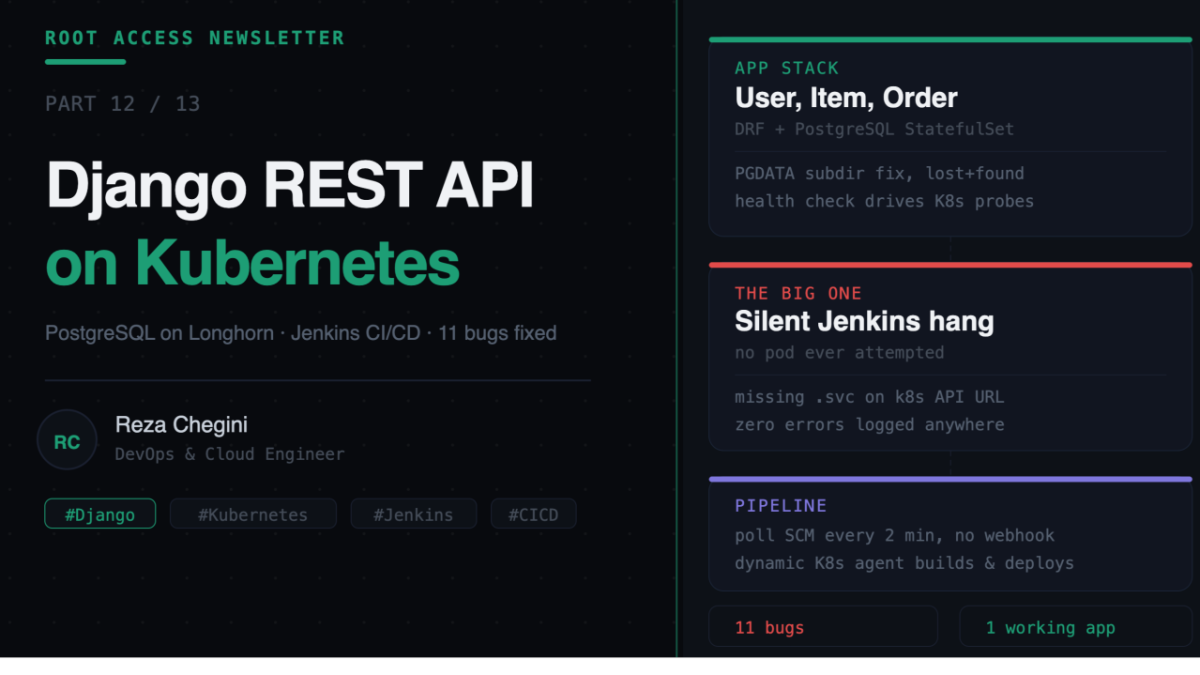
I am not going to pretend this went smoothly. It did not. I hit 11 distinct bugs across the database layer, DNS, the registry, Django itself, and the Jenkins Kubernetes plugin. Every one is documented here with the exact error, the root cause, and the fix – because that is more useful than a clean walkthrough that does not match reality.
What I Built
A Django REST Framework API with:
- Three models, User, Item, Order, with a foreign key relationship and an auto-calculated total price
- PostgreSQL as the database, running as a StatefulSet on Longhorn (replicated, persistent storage)
- A health check endpoint used by Kubernetes readiness and liveness probes
- A Dockerfile with proper layer caching
- A Jenkins pipeline using dynamic Kubernetes build agents, triggered by polling GitHub every two minutes
Live at django-user-api.rezaops.com on my home lab.
The Architecture
GitHub repo
      |
      | Jenkins polls every 2 minutes
      v
Jenkins (StatefulSet, namespace: cicd)
      |
      | spins up a dynamic agent pod
      v
Agent pod (runs on thor)
  builds image, pushes to registry, deploys
      v
django-api Deployment (namespace: django-api)
      |
      v
postgres StatefulSet
  PVC backed by Longhorn, 5GB, replicated
      |
      v
Ingress: django-user-api.rezaops.com -> NGINX -> Service -> Pod
The Application Layer
Models, serializers, and views followed a standard DRF pattern. The one piece worth highlighting is the health check, since it ends up being central to two of the bugs later:
def health_check(request):
    try:
        connection.ensure_connection()
        db_status = "healthy"
    except Exception:
        db_status = "unhealthy"
    return JsonResponse({
        'status': 'healthy' if db_status == 'healthy' else 'unhealthy',
        'database': db_status,
        'version': '1.0.0',
    }, status=200 if db_status == 'healthy' else 503)
This single endpoint is what Kubernetes uses to decide whether a pod is ready to receive traffic, and whether it should be restarted.
All configuration came from environment variables via python-decouple, never hardcoded. Standard practice, but it is also where one of the bugs hid later.
Kubernetes Manifests
PostgreSQL ran as a StatefulSet rather than a Deployment, for stable network identity and reliable volume reattachment on restart.
Django used an init container to run migrations before the main container starts:
initContainers:
- name: migrate
  image: registry.rezaops.com/django-api:latest
  command: ["python", "manage.py", "migrate", "--noinput"]
If migrations fail, the broken version never goes live. The main container simply never starts.
Bug 1 – Postgres Refuses to Initialize
Error:
initdb: error: directory "/var/lib/postgresql/data" exists but is not empty
initdb: detail: It contains a lost+found directory
Cause: Longhorn, like most CSI storage drivers, creates a lost+found directory at the root of every new volume. Postgres refuses to run initdb into a directory that is not empty.
Fix: Mount the volume at the data path, but point PGDATA at a subdirectory inside it.
env:
- name: PGDATA
  value: /var/lib/postgresql/data/pgdata
This is a pattern worth remembering for any database deployed on CSI storage, not just Postgres.
Bug 2 and 3 – Two Separate Registry Trust Failures
Pushing the Docker image failed twice, for two unrelated reasons.
First, DNS. CoreDNS had registry.rezaops.com mapped to the wrong IP, pointing at the NGINX Ingress address instead of the actual registry’s MetalLB IP. There were also duplicate entries in the CoreDNS ConfigMap from earlier edits.
Second, after fixing DNS, HTTPS.
http: server gave HTTP response to HTTPS clientDocker’s daemon did not trust the registry as HTTP. The fix lives in /etc/docker/daemon.json, and separately, K3s’s containerd needed its own fix in /etc/rancher/k3s/registries.yaml – these are two completely independent trust configurations. Fixing one does not fix the other. I had already hit this exact pattern earlier in the series and still hit it again here, on a different node.
Bug 4 – kubectl Not Configured Where I Needed It
I had been developing on thor, but kubectl was only set up on jarvis, the control plane. Simple fix, copy the kubeconfig over:
scp reza@10.0.0.148:/home/reza/.kube/config ~/.kube/configSmall, but it stopped every kubectl command cold until resolved.
Bug 5 – The Probe That Killed a Healthy Pod
This one took the longest to diagnose because the application was not actually broken.
The pod kept restarting. Logs showed gunicorn starting cleanly, then getting a term signal about 40 seconds later, every time.
kubectl describe pod ... | grep Unhealthy
Liveness probe failed: HTTP probe failed with statuscode: 400
A 400, not a timeout. The probe was reaching Django fine – Django was actively rejecting it.
The cause: Kubernetes sends liveness and readiness probes using the pod’s internal IP as the Host header, not a hostname. My ALLOWED_HOSTS only included the actual domain and localhost. Django’s host validation correctly rejected the IP-based request as invalid, Kubernetes interpreted three failed checks as unhealthy, and killed the pod.
ALLOWED_HOSTS: "django-user-api.rezaops.com,localhost,*"The wildcard is acceptable for a home lab. In real production you would scope it to the pod CIDR range instead. The deeper lesson is that any host-validation logic needs to account for how Kubernetes actually probes pods – by IP, not by name.
Bug 6 – A 500 Error That Made No Sense
After fixing the probes, the app came up clean, then threw a 500 on the items endpoint:
OperationalError: no such table: api_item
Exception Location: .../sqlite3/base.py
SQLite. I had configured Postgres explicitly through environment variables read by decouple. Django was using SQLite anyway.
This turned out to be stale code in settings.py from an earlier iteration that had not been fully replaced. The fix was confirming what the pod actually had in its environment, then correcting the code, rebuilding, and forcing a fresh rollout:
kubectl exec -it deployment/django-api -n django-api -- env | grep DB_Worth noting – this bug existed entirely in application code, not infrastructure. Even with perfect Kubernetes configuration, the app itself needs to be correct.
Bugs 7 through 11 – Jenkins Fights Back
Setting up the Jenkins pipeline was its own debugging session, separate from the application itself.
Bug 7 – the agent image did not exist. I guessed at an image name for a Jenkins agent with Docker and kubectl pre-installed. It returned a clean 404-equivalent: pull access denied, repository does not exist. Lesson – verify an image exists before building configuration around it. I found a working alternative, amundead/jenkins-agent-docker, by actually searching instead of guessing again.
Bug 8 – docker socket permission denied. Mounted the host’s Docker socket into the agent pod correctly, but the container’s default user could not access it.
permission denied while trying to connect to the docker API at unix:///var/run/docker.sockFixed by setting Run As User ID to 0 in the pod template, so the container runs as root and has access to the mounted socket.
Bug 9 – GitHub webhooks cannot reach a private Jenkins. This one is structural, not a mistake. jenkins.rezaops.com only resolves to a private IP. GitHub’s servers, sitting on the public internet, simply cannot deliver a webhook to it. The practical home-lab fix is polling instead of webhooks – Jenkins checks GitHub every two minutes instead of waiting for a push notification. Not instant, but fully automated and does not require exposing anything publicly.
Bug 10 – polling flooded the build queue. A handful of test pushes in quick succession queued up multiple concurrent builds, exhausting available executors. Fixed by enabling “do not allow concurrent builds” at the job level and clearing the stuck queue manually.
Bug 11 – the real one. After all of the above, builds simply hung forever at “waiting for next available executor.” No pod was ever created. The Kubernetes plugin’s debug log showed only periodic garbage collection running – zero attempts to provision an agent pod, with no error surfaced anywhere.
The root cause: the Kubernetes Cloud configuration in Jenkins had its API URL set to:
https://kubernetes.defaultMissing the .svc suffix required for in-cluster DNS resolution of the Kubernetes API service. The correct value:
https://kubernetes.default.svcThis single missing suffix caused Jenkins to silently fail to reach the Kubernetes API for pod provisioning, with nothing in the logs pointing directly at it. I only found it by checking the parent Kubernetes Cloud configuration page directly, separate from the pod template, after RBAC permissions and the pod template itself had both already been confirmed correct.
Even after fixing the URL, the agent image’s bundled docker and kubectl binaries were not functioning correctly inside the container – silently broken in a way that did not throw an obvious error either. The final fix was mounting the host’s actual working binaries directly into the container, overriding whatever was or was not working inside the image itself:
/usr/bin/docker        -> /usr/bin/docker
/usr/local/bin/kubectl -> /usr/local/bin/kubectl
What Finally Worked
curl http://django-user-api.rezaops.com/api/health/
# {"status": "healthy", "database": "healthy", "version": "1.0.0"}
kubectl get pods -n django-api
# postgres-0      1/1   Running
# django-api-xxx  1/1   Running
A git push now triggers a build within two minutes, automatically, through a dynamic Kubernetes agent pod that builds the image, pushes it to the local registry, and deploys it with a single kubectl set image command, watched to completion with kubectl rollout status.
What This Actually Taught Me
CSI storage has its own conventions that databases were not built expecting. The lost+found directory issue applies to any stateful workload on Longhorn, not just Postgres.
Never assume an IP, even one you set yourself. MetalLB, Docker daemon config, and K3s containerd config are three separate places that all need to agree on the same address, and none of them tell you when they disagree – they just fail in ways that look unrelated.
Kubernetes probes do not behave like a browser. Any application-level host validation needs to specifically account for being probed by raw pod IP.
Silent failures are the hardest kind. The missing .svc suffix produced zero error messages anywhere in Jenkins. The only way through was checking each layer of configuration directly rather than trusting that an absence of errors meant something else was wrong.
Pre-built tooling images are not guaranteed to work as advertised. When a bundled tool silently does not function, mounting the host’s own binary is a reliable fallback.
This is also, candidly, the article that took the longest to get to a state worth writing about. Eleven real bugs, stacked across four different layers of the stack, is not a clean story. But it is an honest one, and it is exactly the kind of experience that does not show up on a resume bullet point but does show up in an interview when someone asks what you actually do when something breaks.
What’s Next
In Part 13 I build a second project on this same infrastructure – a lightweight FastAPI microservice with a health endpoint and Prometheus-compatible metrics, designed to show Kubernetes horizontal scaling in action.