$ cat home-lab/part-10.md
Part 10 – Homepage and Container Registry
Overview
In Part 9 we solved the DNS problem. Every device on the home network can now resolve *.rezaops.com to the right IP. In this article I cover two finishing touches that make the home lab feel complete.
- Homepage, a dashboard at home.rezaops.com linking to every service
- Container Registry, a self-hosted Docker registry at registry.rezaops.com so every machine can push and pull images with a proper domain name
Part 1 – Homepage
Why a Homepage?
When you have 10+ services running, remembering http://10.0.0.202 for Grafana and http://10.0.0.205:8080 for Jenkins is painful. A homepage solves this. One URL (home.rezaops.com) that links to everything.
How It Is Deployed
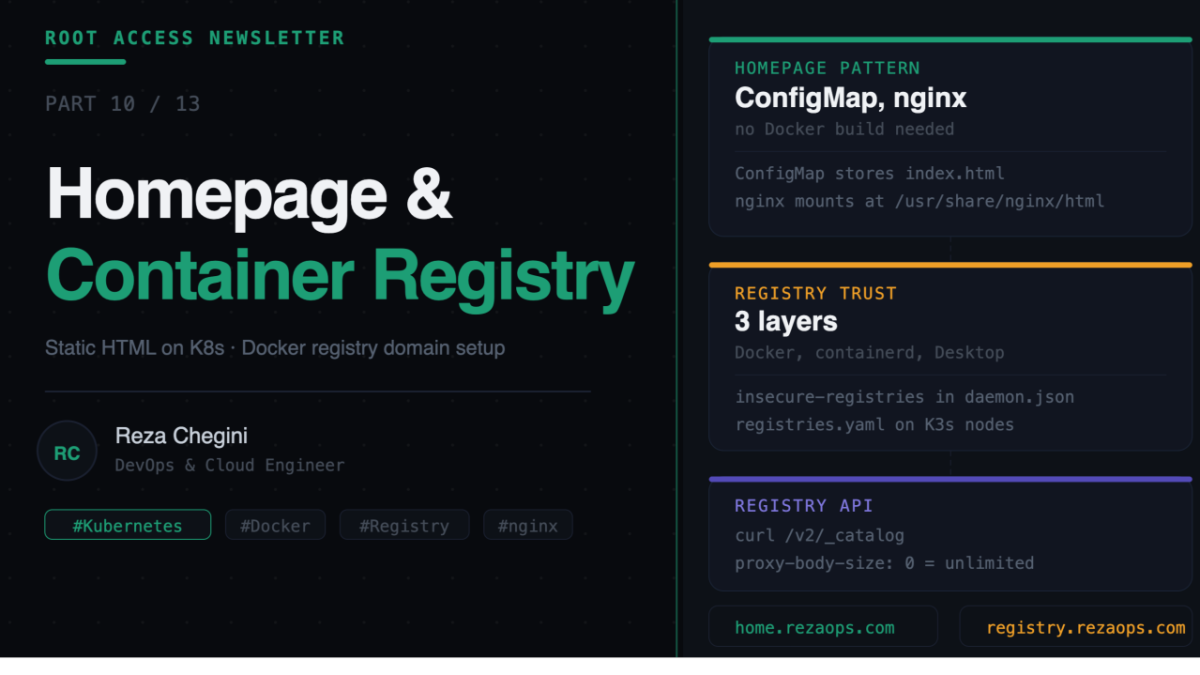
The homepage is a static HTML file served by an nginx container. The HTML is stored in a Kubernetes ConfigMap. No Docker build required, no registry push. Just apply a ConfigMap and a Deployment.
ConfigMap (HTML file)
      |
      | mounted as volume
      v
nginx container
      |
      | serves on port 80
      v
Service (ClusterIP)
      |
      | routed by
      v
NGINX Ingress, home.rezaops.com
Role: homepage
tasks/main.yml
- name: Create homepage namespace
  shell: |
    kubectl create namespace homepage \
      --dry-run=client -o yaml | kubectl apply -f -
  environment:
    KUBECONFIG: /etc/rancher/k3s/k3s.yaml
- name: Copy homepage HTML to remote
copy:
src: index.html
dest: /tmp/homepage-index.htmlThis task must run before the ConfigMap task. This was the bug we hit. The original playbook tried to create the ConfigMap before copying the file, resulting in:
error: error reading /tmp/homepage-index.html: no such file or directorycopy with src: index.html looks for the file in roles/homepage/files/index.html. It copies it to /tmp/homepage-index.html on the remote machine (jarvis).
- name: Create ConfigMap with homepage HTML
  shell: |
    kubectl create configmap homepage-html \
      --from-file=index.html=/tmp/homepage-index.html \
      --namespace homepage \
      --dry-run=client -o yaml | kubectl apply -f -
  environment:
    KUBECONFIG: /etc/rancher/k3s/k3s.yaml
kubectl create configmap –from-file reads the HTML file and stores its content in the ConfigMap under the key index.html. The resulting ConfigMap looks like this in the cluster:
apiVersion: v1
kind: ConfigMap
metadata:
  name: homepage-html
  namespace: homepage
data:
  index.html: |
    <!DOCTYPE html>
    <html lang="en">
    ...
- name: Deploy homepage
shell: |
cat <<EOF | kubectl apply -f -
apiVersion: apps/v1
kind: Deployment
metadata:
name: homepage
namespace: homepage
spec:
replicas: 1
selector:
matchLabels:
app: homepage
template:
metadata:
labels:
app: homepage
spec:
nodeSelector:
workload: monitoring
containers:
- name: homepage
image: nginx:alpine
ports:
- containerPort: 80
volumeMounts:
- name: html
mountPath: /usr/share/nginx/html
volumes:
- name: html
configMap:
name: homepage-html
---
apiVersion: v1
kind: Service
metadata:
name: homepage
namespace: homepage
spec:
selector:
app: homepage
ports:
- port: 80
targetPort: 80
---
apiVersion: networking.k8s.io/v1
kind: Ingress
metadata:
name: homepage-ingress
namespace: homepage
spec:
ingressClassName: nginx
rules:
- host: home.{{ base_domain }}
http:
paths:
- path: /
pathType: Prefix
backend:
service:
name: homepage
port:
number: 80
EOF
environment:
KUBECONFIG: /etc/rancher/k3s/k3s.yamlThree resources in one apply, Deployment, Service, and Ingress.
image: nginx:alpine is the official nginx image on Alpine Linux, about 7MB. No custom build needed.
volumeMounts mountPath: /usr/share/nginx/html replaces the default nginx welcome page with our homepage HTML. nginx serves files from this path by default.
The volumes section mounts the homepage-html ConfigMap as a directory. Each key in the ConfigMap becomes a file, so the index.html key becomes /usr/share/nginx/html/index.html.
The Service is ClusterIP, not LoadBalancer. There is no need for a LoadBalancer here because NGINX Ingress handles external access. This is an important Kubernetes pattern, using ConfigMaps to inject files into containers without rebuilding images.
Updating the Homepage
When you want to change the homepage:
# Edit the HTML on your Mac
vim ~/homelab-ansible/roles/homepage/files/index.html

# Copy to jarvis
scp roles/homepage/files/index.html reza@10.0.0.148:/tmp/homepage-index.html

# Update the ConfigMap
ssh reza@10.0.0.148
kubectl create configmap homepage-html \
  --from-file=index.html=/tmp/homepage-index.html \
  --namespace homepage \
  --dry-run=client -o yaml | kubectl apply -f -

# Restart the pod to pick up the new ConfigMap
kubectl rollout restart deployment homepage -n homepage
Or just rerun the Ansible playbook:
ansible-playbook -i inventory/hosts.ini playbooks/09-homepage.ymlPart 2 – Container Registry
Why a Local Registry?
Without a local registry, Jenkins builds an image and pushes to Docker Hub, then K3s pulls from Docker Hub which is slow, rate-limited, and requires internet. With a local registry, everything stays inside the home lab. Faster builds and no Docker Hub pull rate limits (100 pulls per 6 hours on free accounts).
Registry-Specific Ingress Annotations
apiVersion: networking.k8s.io/v1
kind: Ingress
metadata:
  name: registry-ingress
  namespace: registry
  annotations:
    nginx.ingress.kubernetes.io/proxy-body-size: "0"
    nginx.ingress.kubernetes.io/proxy-read-timeout: "600"
    nginx.ingress.kubernetes.io/proxy-send-timeout: "600"
spec:
  ingressClassName: nginx
  rules:
  - host: registry.{{ base_domain }}
    http:
      paths:
      - path: /
        pathType: Prefix
        backend:
          service:
            name: registry
            port:
              number: 5000
proxy-body-size: “0” sets the maximum allowed request body size to unlimited. By default NGINX limits request bodies to 1MB. Docker image layers can be hundreds of megabytes. Without this annotation, large image pushes fail with 413 Request Entity Too Large.
proxy-read-timeout and proxy-send-timeout set to 600 seconds (10 minutes). Pushing large Docker images over WiFi takes time. Default NGINX timeout is 60 seconds, enough for small images but not large ones.
Configuring Docker Daemon Trust
Docker and containerd by default only accept images from HTTPS registries. Since our registry uses HTTP, we must explicitly tell them to trust it.
- name: Configure Docker daemon to trust local registry
  copy:
    dest: /etc/docker/daemon.json
    content: |
      {
        "insecure-registries": [
          "registry.{{ base_domain }}:80",
          "registry.{{ base_domain }}",
          "{{ registry_ip }}:{{ registry_port }}"
        ]
      }
- name: Restart Docker
systemd:
name: docker
state: restartedThree entries cover all the ways the registry might be addressed, via domain with explicit port, via domain without port, and via IP and port directly.
Configuring K3s containerd Trust
K3s uses containerd (not Docker) to pull images for pods. Separate config needed:
- name: Create K3s config directory
  file:
    path: /etc/rancher/k3s
    state: directory
    mode: '0755'
- name: Create K3s registries config
copy:
dest: /etc/rancher/k3s/registries.yaml
content: |
mirrors:
"registry.{{ base_domain }}":
endpoint:
- "http://registry.{{ base_domain }}"
"{{ registry_ip }}:{{ registry_port }}":
endpoint:
- "http://{{ registry_ip }}:{{ registry_port }}"Why create the directory first? On worker nodes (thor), /etc/rancher/k3s/ does not exist until K3s agent creates it. Trying to write registries.yaml before the directory exists causes:
Destination directory /etc/rancher/k3s does not existCreating it with Ansible before writing the file solves this.
Docker Desktop Configuration (MacBook)
Docker Desktop on Mac runs in its own VM and does not inherit your Mac’s Docker daemon settings. You must configure it separately.
Docker Desktop, Settings, Docker Engine, edit JSON:
{
  "insecure-registries": [
    "registry.rezaops.com",
    "10.0.0.206:5000"
  ],
  "dns": ["10.0.0.209", "1.1.1.1"]
}
Click Apply and Restart.
Testing the Registry
# Pull a public image and push to your registry
docker pull nginx:alpine
docker tag nginx:alpine registry.rezaops.com/nginx:alpine
docker push registry.rezaops.com/nginx:alpine

# List all images
curl http://registry.rezaops.com/v2/_catalog
# {"repositories":["nginx"]}

# List tags for an image
curl http://registry.rezaops.com/v2/nginx/tags/list
# {"name":"nginx","tags":["alpine"]}

# Use in a Kubernetes deployment
kubectl run test-nginx \
  --image=registry.rezaops.com/nginx:alpine \
  --restart=Never
kubectl get pod test-nginx
Registry API Reference
# List all images
curl http://registry.rezaops.com/v2/_catalog

# List tags for an image
curl http://registry.rezaops.com/v2/myapp/tags/list

# Get digest for deletion
DIGEST=$(curl -I \
  -H "Accept: application/vnd.docker.distribution.manifest.v2+json" \
  http://registry.rezaops.com/v2/myapp/manifests/oldtag \
  | grep Docker-Content-Digest | awk '{print $2}' | tr -d '\r')

# Delete an image tag
curl -X DELETE http://registry.rezaops.com/v2/myapp/manifests/$DIGEST
What’s Next
In Part 11 I will walk through the complete end-to-end pipeline, from writing a line of code on thor, watching Jenkins build and push the image, ArgoCD detecting the change, and the new pod starting on the cluster. Everything we built across Parts 1 to 10 working together.