$ cat home-lab/part-08.md
Part 08 – GitOps with ArgoCD, Vault and External Secrets
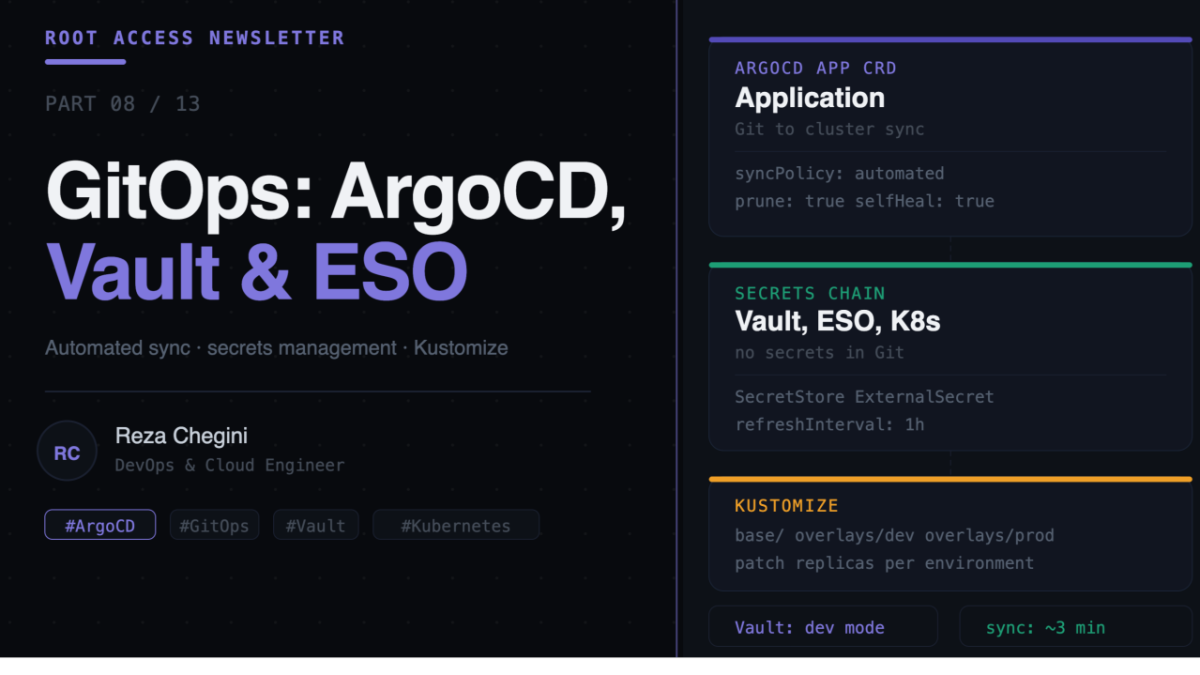
Overview
In Part 7 we built the CI/CD pipeline. Jenkins builds images and pushes them to the local registry. But how does a new image actually get deployed to Kubernetes? That is where GitOps comes in.
In this article I cover:
- ArgoCD, watches a GitHub repository and keeps the cluster in sync automatically
- Vault, stores secrets (passwords, API keys, tokens) securely
- External Secrets Operator, syncs secrets from Vault into Kubernetes Secrets automatically
What is GitOps?
Traditional deployment:
Developer, kubectl apply -f deployment.yaml, cluster
(manual, no audit trail, easy to drift)
GitOps:
Developer, git push, GitHub repo, ArgoCD, cluster
(automated, auditable, self-healing)
With GitOps, Git is the single source of truth. The cluster state is defined entirely in YAML files in a repository. ArgoCD continuously compares the live cluster state against the repository and corrects any drift.
If someone manually runs kubectl delete deployment myapp, ArgoCD detects the cluster is out of sync and recreates it within minutes. No manual intervention needed.
GitOps Repository Structure
homelab-gitops/
├── apps/
│   ├── base/
│   │   ├── deployment.yaml
│   │   ├── service.yaml
│   │   └── kustomization.yaml
│   └── overlays/
│       ├── dev/
│       └── prod/
├── infra/
│   ├── monitoring/
│   ├── cicd/
│   └── vault/
└── argocd/
    └── applications/
Kustomize lets you define a base configuration and apply environment-specific patches on top. Example:
# apps/base/deployment.yaml
spec:
  replicas: 1
  template:
    spec:
      containers:
      - name: myapp
        image: registry.rezaops.com/myapp:latest
# apps/overlays/prod/replica-patch.yaml
spec:
replicas: 3ArgoCD applies the base plus the overlay patch, resulting in 3 replicas in production.
Role: gitops
Full tasks/main.yml
- name: Add Helm repos for GitOps stack
  shell: |
    helm repo add argo https://argoproj.github.io/argo-helm
    helm repo add hashicorp https://helm.releases.hashicorp.com
    helm repo add external-secrets https://charts.external-secrets.io
    helm repo update
  environment:
    KUBECONFIG: /etc/rancher/k3s/k3s.yaml
Three repos added, argo for ArgoCD, hashicorp for Vault, and external-secrets for ESO.
Installing ArgoCD
- name: Install ArgoCD
  shell: |
    helm upgrade --install argocd argo/argo-cd \
      --namespace argocd \
      --set server.service.type=LoadBalancer \
      --set server.nodeSelector."workload"=monitoring \
      --set repoServer.nodeSelector."workload"=monitoring \
      --set applicationSet.nodeSelector."workload"=monitoring \
      --set notifications.nodeSelector."workload"=monitoring
  environment:
    KUBECONFIG: /etc/rancher/k3s/k3s.yaml
Helm values explained:
- server.service.type, LoadBalancer, ArgoCD UI gets a real IP from MetalLB
- nodeSelector.”workload”=monitoring on all components, pins everything to jarvis
ArgoCD components:
- server, the API server and UI
- repoServer, clones and processes Git repositories
- applicationSet, manages groups of ArgoCD Applications
- notifications, sends alerts when deployments succeed or fail
All pinned to jarvis so they do not compete with app workloads on thor.
- name: Get ArgoCD initial admin password
  shell: |
    kubectl -n argocd get secret argocd-initial-admin-secret \
      -o jsonpath="{.data.password}" | base64 -d
  environment:
    KUBECONFIG: /etc/rancher/k3s/k3s.yaml
  register: argocd_password
- name: Print ArgoCD credentials
debug:
msg: "ArgoCD admin password: {{ argocd_password.stdout }}"ArgoCD generates a random initial admin password stored in a Kubernetes Secret. We extract it with kubectl get secret and decode it from base64. The -o jsonpath=”{.data.password}” flag extracts just the password field. Change it after first login:
argocd login argocd.rezaops.com
argocd account update-password
The ArgoCD Application CRD
This is the core of GitOps. An Application resource tells ArgoCD what to watch and where to deploy:
apiVersion: argoproj.io/v1alpha1
kind: Application
metadata:
  name: myapp
  namespace: argocd
spec:
  project: default

  source:
    repoURL: https://github.com/mohammadrezachegini/homelab-gitops
    targetRevision: main
    path: apps/overlays/prod

  destination:
    server: https://kubernetes.default.svc
    namespace: myapp

  syncPolicy:
    automated:
      prune: true
      selfHeal: true
    syncOptions:
    - CreateNamespace=true
Key fields explained:
source tells ArgoCD where to read the desired state. repoURL is the GitHub repository, targetRevision is the branch to watch, and path is which directory contains the manifests.
destination tells ArgoCD where to deploy. server: https://kubernetes.default.svc means the local cluster.
syncPolicy.automated makes ArgoCD sync automatically. prune: true deletes resources removed from Git. selfHeal: true reverts manual cluster changes to match Git.
Without automated, ArgoCD only shows the diff and waits for you to click Sync in the UI. With it, changes in Git deploy automatically within 3 minutes.
Installing Vault
- name: Install Vault
  shell: |
    helm upgrade --install vault hashicorp/vault \
      --namespace vault \
      --set server.dev.enabled=true \
      --set ui.enabled=true \
      --set ui.serviceType=LoadBalancer \
      --set server.nodeSelector."workload"=monitoring
  environment:
    KUBECONFIG: /etc/rancher/k3s/k3s.yaml
Helm values explained:
- server.dev.enabled, true, run in dev mode, auto-unsealed, no TLS
- ui.enabled, true, enable the Vault web UI
- ui.serviceType, LoadBalancer, Vault UI gets a real IP
Dev mode is fine for a home lab. It auto-unseals on startup and uses root as the root token. The trade-off is data is lost if the pod restarts. For production you would use server.ha.enabled=true with Raft storage and proper unseal keys.
Storing secrets in Vault:
kubectl port-forward svc/vault -n vault 8200:8200 &
export VAULT_ADDR='http://localhost:8200'
vault login root
vault secrets enable -path=secret kv-v2
vault kv put secret/myapp \
db_password="supersecretpassword" \
api_key="myapikey123" \
django_secret_key="randomlongsecretkey"Installing External Secrets Operator
Vault stores secrets securely but your pods need those secrets as Kubernetes environment variables. External Secrets Operator automates this by watching Vault and syncing secrets into Kubernetes Secrets.
- name: Install External Secrets Operator
  shell: |
    helm upgrade --install external-secrets \
      external-secrets/external-secrets \
      --namespace external-secrets \
      --set nodeSelector."workload"=monitoring
  environment:
    KUBECONFIG: /etc/rancher/k3s/k3s.yaml
After installing ESO, you create two custom resources.
SecretStore connects ESO to Vault:
apiVersion: external-secrets.io/v1beta1
kind: SecretStore
metadata:
  name: vault-backend
  namespace: myapp
spec:
  provider:
    vault:
      server: "http://vault.vault.svc.cluster.local:8200"
      path: "secret"
      version: "v2"
      auth:
        tokenSecretRef:
          name: vault-token
          key: token
ExternalSecret syncs specific secrets:
apiVersion: external-secrets.io/v1beta1
kind: ExternalSecret
metadata:
  name: myapp-secrets
  namespace: myapp
spec:
  refreshInterval: 1h
  secretStoreRef:
    name: vault-backend
    kind: SecretStore
  target:
    name: myapp-env
    creationPolicy: Owner
  data:
  - secretKey: DB_PASSWORD
    remoteRef:
      key: secret/myapp
      property: db_password
  - secretKey: API_KEY
    remoteRef:
      key: secret/myapp
      property: api_key
What happens automatically. ESO reads the secrets from Vault, creates a Kubernetes Secret called myapp-env in the myapp namespace, and re-syncs every hour. If you update Vault, Kubernetes gets the new value automatically.
Using the synced secret in a pod:
containers:
- name: myapp
  image: registry.rezaops.com/myapp:latest
  envFrom:
  - secretRef:
      name: myapp-env
No secrets in Git. No secrets hardcoded in Docker images. Vault is the single source of truth.
The Full GitOps Flow
- Developer pushes code to GitHub
- Jenkins webhook triggers · Jenkins pulls code, runs tests, builds image · docker push registry.rezaops.com/myapp:a1b2c3d4
- Jenkins updates GitOps repo · updates image tag in apps/overlays/prod/deployment.yaml · git push to GitHub
- ArgoCD detects change (polls every 3 min) · cluster has image old1234, Git has a1b2c3d4
- ArgoCD syncs · applies updated deployment.yaml · Kubernetes rolls out new pod
- ESO injects secrets · new pod starts, ESO-created Secret is mounted · pod has all env vars from Vault
- Pod is running
Verifying GitOps is Working
# Check ArgoCD applications
kubectl get applications -n argocd

# Check Vault is running
kubectl get pods -n vault
kubectl exec -n vault vault-0 -- vault status

# Check External Secrets
kubectl get externalsecrets -A
kubectl get secretstores -A
The ArgoCD UI at http://argocd.rezaops.com shows all applications, their sync status (Synced or OutOfSync), last sync time, and which commit triggered it.
What’s Next
In Part 9 I will cover DNS and networking in depth, how CoreDNS resolves internal hostnames, how Route 53 public hosted zones work with private IPs, and how NGINX Ingress routes all traffic through a single LoadBalancer IP.